Every six months, another Pokemon TCG collection app launches with a promise to make tracking your master set effortless. Three of them have shut down in the past two years. When an app shuts down, your data goes with it — the cards you logged, the conditions you marked, the purchase prices you tracked, the notes you wrote about specific pulls. Collectors who spent two years building a clean record in those apps are now starting over. The collectors who used spreadsheets are still working with the same file they built in 2022. That's the case for spreadsheets in one paragraph.
This isn't an anti-app argument. Apps are great for casual collection tracking. For master set collectors who are committing $2,000–$6,000 and 12–18 months to a project, the stakes for data persistence are higher than the convenience of a polished mobile UI. A spreadsheet you control wins on the metric that actually matters: it will still exist when you need it.
Key Takeaways
- Spreadsheets beat apps for serious collectors because they're permanent, portable, and never deprecate.
- An 11-field structure handles every master set tracking need without overcomplicating the file.
- Google Sheets is the best free option; Excel is best for collectors managing $5,000+ in cards; Notion works for collectors who want pretty visuals.
- The right tracker is the one you'll actually update — simpler beats fancier.
- Apps still have a place for casual collection logging or grading workflow tracking.

The case against apps for master set tracking
Pokemon TCG collection apps have a graveyard problem. PokemonDB, Cardbase, and several others have shut down or stopped active development in the past three years. Even apps that are currently healthy have product roadmaps you don't control — the developer can change the export format, restrict free-tier features, or sunset the product entirely. Your data lives at the discretion of someone else's business model.
Spreadsheets have none of those exposures. Google Sheets, Excel, and Numbers will exist in 2030. The CSV file your spreadsheet exports to is a 50-year-old format that every tool reads. The fields you create, the formulas you write, and the notes you log are yours. They don't depend on a company staying solvent or a developer maintaining the product. For a 12–18 month master set project that you might revisit and update for years after completion, that durability is structurally more valuable than a polished card-recognition feature.
There's a second argument too: customizability. Apps impose a data structure. Spreadsheets let you build the data structure your specific project needs. A master set tracking project for Prismatic Evolutions needs different fields than one for Surging Sparks because the rarity distributions and chase concentration are different. Apps generally treat every set the same. Spreadsheets adapt.
The 11-field template structure
An effective master set spreadsheet needs 11 fields. Fewer than this and you lose useful information; more than this and you stop updating it. This structure works for any modern set and any collector budget.
| Field | Purpose |
|---|---|
| 1. Card number | The set's official numbering (e.g., 199/197 for a secret rare) |
| 2. Card name | Pokemon or Trainer card name |
| 3. Rarity | Common / Uncommon / Holo / Pokemon ex / Double Rare / IR / SIR / Hyper Rare |
| 4. Status | Owned / Missing / On order / Trading for |
| 5. Condition | NM / LP / MP / HP / Damaged (for owned copies) |
| 6. Source | Pack / TCGplayer / Local shop / Trade / Promo |
| 7. Date acquired | For chronological reconstruction later |
| 8. Cost | What you paid (essential for cost-basis tracking) |
| 9. Current value | TCGplayer median, updated quarterly |
| 10. Graded? | PSA / BGS / CGC grade if applicable, blank if raw |
| 11. Notes | Free-form notes about the specific copy |
The two fields that surprise new collectors are Date acquired and Cost. Both feel like overkill at month two of the project. Both turn out to be priceless at month 18 when you're trying to remember whether you bought that SIR in March 2026 or August 2026, and what you paid for it. Total project cost-basis calculation is impossible without these two fields. If you ever sell the set or claim it for tax purposes, you'll need them.
Which tool to actually use
Three options dominate the actual collector market in 2026.
Google Sheets is the default recommendation. Free, browser-based, syncs to phone, exports cleanly to CSV. Works for collectors on any budget. The one limitation is performance — sheets with thousands of rows start to feel sluggish, which mostly matters if you're tracking multiple master sets in one file.
Excel is the right pick for collectors managing $5,000+ in cards across multiple projects. Excel handles large files better than Sheets, has stronger formula and pivot table capabilities, and works offline. The cost ($70/year for Microsoft 365 Family) is trivial relative to the collection it's managing.
Notion works for collectors who want a visually polished tracker and who like Notion's database views. It's not as flexible for math-heavy fields (current-value calculations, cost-basis totals) but it shines for narrative tracking, photo storage, and multi-page project organization. The Notion mobile app is the strongest of the three options for on-the-go updates at trade tables or card shops.
The right choice is whichever one you'll actually open and update. A perfect Excel system you never touch is worse than a basic Google Sheet you update weekly.
What apps still do better than spreadsheets
Three use cases still favor apps over spreadsheets. First, card identification — apps with phone camera scanning can identify a card and pull its TCGplayer data in seconds. That's faster than manual lookup. Second, casual collection logging — if you don't care about cost-basis tracking and just want a digital inventory of what you own, apps are lower-friction. Third, grading workflow — some collectors use apps specifically to track PSA submissions, return timelines, and grade outcomes. For master set project management, those use cases are secondary to the core data structure question.
The hybrid workflow many veteran collectors run is: app for quick on-the-go scanning at card shops, spreadsheet as the master of record. Cards get scanned into the app for fast capture, then transferred into the spreadsheet weekly. That keeps the durable data layer in the spreadsheet while still getting the convenience benefit of mobile scanning. Our 6-step master set budget worksheet integrates with this kind of tracking workflow.
Setting up the tracker in 30 minutes
The full setup for a new master set tracker takes about 30 minutes. Step one: pick a set and find a community-maintained checklist of every card in the master set including secret rares. PokéBeach and Bulbapedia both maintain comprehensive set lists. Step two: paste the checklist into a new Google Sheet as rows. Step three: add the 11 columns from the template above. Step four: pre-fill the rarity column from the checklist. Step five: set conditional formatting on the Status column so Owned cells turn green and Missing cells stay white — this gives you visual completion progress at a glance.
That's the entire setup. Updating from there happens as you acquire cards — each new card is a one-minute update to one row. Over 12–18 months of a master set project, total time spent in the spreadsheet is probably 8–12 hours. The output is a permanent record of the project that you'll have access to for the rest of your collecting life.
Frequently Asked Questions
What is the best free Pokemon card collection tracker?
Google Sheets is the best free Pokemon card collection tracker for serious master set projects because of durability, customizability, and easy CSV export. For casual collection tracking where you just want to log what you own, apps like Collectr or TCG Tracker offer faster mobile entry but with the trade-off of data lock-in if the app shuts down.
How do I track the current value of my Pokemon collection?
The standard practice is updating the Current Value field quarterly using TCGplayer median prices for near-mint copies. For graded cards, use PSA Auction Prices Realized or eBay sold listings as the reference. Real-time tracking is unnecessary for collection purposes because daily price fluctuation noise is meaningless compared to quarterly trends.
Should I use one spreadsheet for all my sets or separate files?
Separate sheets within one file is the sweet spot. One Google Sheet or Excel workbook with a tab per set keeps the projects organized while letting you cross-reference between them. Some collectors add a Summary tab that pulls totals from every set's tab for a single dashboard view.
What's the difference between an app tracker and a spreadsheet?
Apps offer faster mobile entry, automatic card recognition, and built-in price feeds at the cost of data lock-in and product longevity risk. Spreadsheets require manual entry but give you complete control over data structure, permanent file format, and zero risk of losing your data when a product shuts down.
Do I need to track cost-basis if I'm not selling?
Probably yes. Cost-basis tracking matters even for collectors who don't plan to sell because it provides the only honest accounting of what a master set project actually costs. Many collectors discover their finished master set cost 40–60% more than they remember spending — a useful reality check before starting the next project.
What to do this week
Build the 11-field template in your tool of choice and pre-populate one row for every card in your target master set. If you've already started the project without tracking, do a one-time inventory pass through your binder and log what you have. The catch-up cost in time is 1–2 hours; the cost of continuing without tracking is much higher in lost cost-basis data and forgotten purchase details.
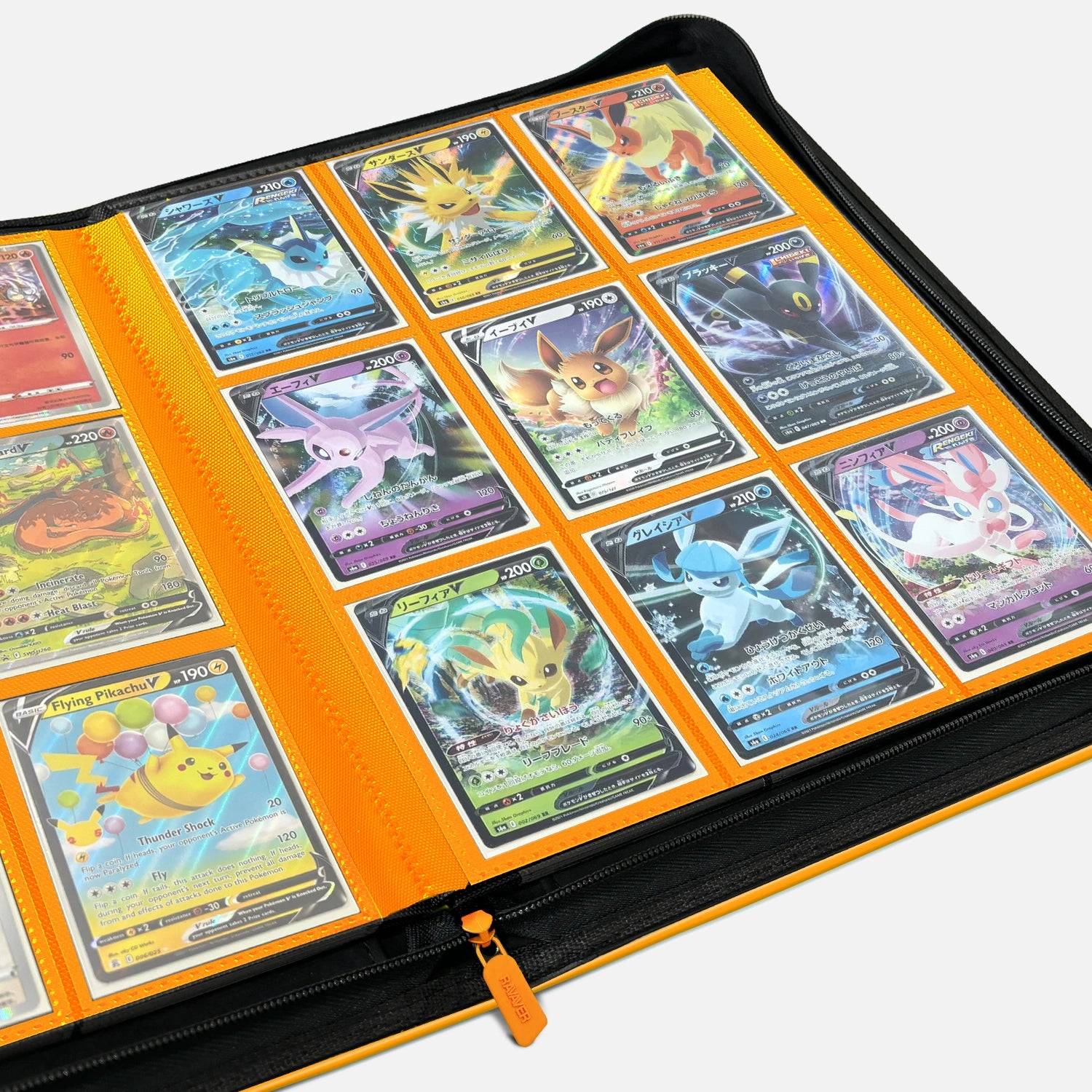
Once the tracker exists, the binder that holds the actual cards becomes the physical match for the digital system. Ravaver's premium Pokemon-themed binders are organized by card number, which makes spreadsheet-to-binder reconciliation faster than apps allow.
Sources:
- PokéBeach, set checklists and master set guides, retrieved 2026-05-19, https://www.pokebeach.com
- TCGplayer, set pricing references, retrieved 2026-05-19, https://www.tcgplayer.com
- Bulbapedia, Pokemon TCG set checklists, retrieved 2026-05-19, https://bulbapedia.bulbagarden.net