Most collectors building a Pokemon master set in 2026 will overpay by $150-$300 in shipping fees alone, simply because they don't know how to use TCGplayer's mass-entry workflow. This is the single most leveraged tactical skill in modern singles sourcing, and almost nobody teaches it properly. By the end of this guide, you'll be running a 200-card want list through cart optimization in under 30 minutes, consolidating it into 3-5 sellers, and saving the price of a quality binder on shipping costs alone.
Key Takeaways
- TCGplayer's Mass Entry tool accepts plain-text card lists (one card per line) and converts them into a cart-optimized order across multiple sellers automatically.
- The cart optimizer's default setting prioritizes "cheapest total" but you can tune it to prioritize "fewest sellers" for faster shipping at a small premium.
- A typical 180-card master-set want list optimizes down to 3-5 sellers, saving $60-$100 in shipping vs. buying card-by-card.
- Filter sellers by 99%+ feedback and 1,000+ reviews before placing the order to minimize condition disputes.
What is TCGplayer Mass Entry and why does it matter for master sets?
Mass Entry is TCGplayer's bulk-input feature that lets you paste a list of cards (one per line) and instantly see availability, pricing, and seller distribution across the entire marketplace. The system then runs a combinatorial optimization that finds the minimum number of sellers needed to fulfill your full list at the lowest combined cost including shipping. According to TCGplayer's official Market Price documentation, the platform processes thousands of transactions daily, which means the optimizer has live, deep inventory data to work with at any given hour.
For master sets specifically, the math is dramatic. A typical 180-200 card Scarlet & Violet era master set bought one-card-at-a-time costs roughly $75-$100 just in shipping across 30-50 individual orders. The same list run through Mass Entry and cart optimization usually fulfills from 3-5 sellers at $8-$15 total shipping. That's a $60-$85 net savings per master set, for a single tool used correctly.
Step-by-step: building a master-set want list for Mass Entry
- Open the master set checklist source. Use the TCGplayer set page (e.g., the Surging Sparks Card List), Bulbapedia's set page for the same product, or Pokemon.com's official set checklist. Pick one source and stick with it for the entire build to avoid duplicate-card confusion.
- Open a plain text editor. Notepad on Windows, TextEdit (set to plain text mode) on Mac, or any code editor. Avoid Word or Google Docs because their auto-formatting can break TCGplayer's parser.
-
Format each card as one line. The format that works most reliably is:
1 [Card Name] [Set Code] [Card Number]. Example:1 Charizard ex SSP 199. The leading "1" tells TCGplayer the quantity. The set code is the three-letter abbreviation (SSP for Surging Sparks, SCR for Stellar Crown, etc.). The card number is the collector number. - Paste the full list into TCGplayer's Mass Entry tool. Find it under "Buylist" or via the search bar's "Mass Entry" link. Paste your list and click "Add to Cart" or "Find My Cards".
- Review the parse result. TCGplayer will show which cards parsed correctly, which had ambiguous matches (e.g., multiple printings), and which weren't found. Resolve ambiguous matches by clicking the printing you want. For unfound cards, double-check spelling and card number.
- Run the cart optimizer. Click "Optimize Cart" or "Best Bundle" depending on which version of the interface you have. The system calculates the cheapest combination of sellers needed to fulfill the entire list.
- Filter by seller quality before checkout. Click into each seller in your optimized cart and verify they have 99%+ feedback and at least 1,000 reviews. If a seller doesn't meet that bar, manually remove their cards from your cart and re-run the optimizer.
- Confirm condition filter is set to "Near Mint or better". The default is "Any condition" which can quietly insert Heavily Played cards into your cart. Always confirm before checkout.
- Place the order and track delivery. Most TCGplayer orders ship within 24-48 hours. Expect 5-10 business days for delivery on consolidated orders from US sellers.
The cart optimizer settings most collectors don't know about
TCGplayer's cart optimizer has two modes that produce very different outcomes. The default mode is "Cheapest Total", which prioritizes lowest combined cost including shipping. This is right for most master-set builds. The alternate mode is "Fewest Sellers", which prioritizes order consolidation even at a small per-card premium. Fewest Sellers mode is the right call when you're racing a price spike (e.g., buying SIRs that are appreciating week-over-week) and you want fast, predictable delivery from 1-2 high-volume sellers rather than 5+ slower ones.
The optimizer also respects condition tolerance. Setting the condition filter to "Near Mint" before optimizing produces a different cart than setting it to "Lightly Played or better". For master-set binders that will be looked at often, Near Mint is the right floor. Lightly Played introduces edge whitening and surface scratches that look bad on binder display.
How to verify a TCGplayer seller before locking your cart
The cart optimizer doesn't filter for seller quality, only for price. That means you have to manually verify each seller in your optimized cart before checkout. The signals that predict good outcomes:
- Feedback count: 1,000+ reviews
- Feedback rating: 99.5% or higher
- Recent activity: sold within the last 7 days (visible on seller profile)
- Direct or Direct Eligible badge: indicates TCGplayer condition verification
- Active listings: 5,000+ active listings suggests a volume seller with dialed-in packaging
If any seller in your optimized cart fails two or more of these signals, manually remove their cards from your cart and click "Re-optimize". The system will route those cards to the next-cheapest qualifying seller. Yes, this might add $2-$5 to your total. That's cheap insurance against condition disputes and shipping delays.
Common Mass Entry mistakes that cost collectors money
The mistakes I see repeatedly when reviewing collectors' first master-set orders:
- Buying multiple printings of the same card by accident. Many Pokemon cards exist as both a "normal" rare and a "holo" rare in the same set. If your list doesn't specify, TCGplayer might add the more expensive holo version to your cart. Always verify the printing in the cart review step.
- Skipping the condition check. Default condition filters sometimes include "Played" copies, which look bad in binders. Always set the filter to Near Mint before optimizing.
- Optimizing once and checking out. The optimizer's first pass isn't always the cheapest. Re-run it 2-3 times after removing problem sellers, and you'll often save another $5-$15.
- Ignoring international sellers. Some optimized carts include sellers from Japan or Canada. These ship slowly (2-4 weeks) and may add customs delays. Filter to US-only if you're building on a timeline.
- Buying SIRs through the cart optimizer. The optimizer is built for high-volume, lower-value cards. For high-value chase cards above $200, buy individually from a verified seller rather than letting the optimizer auto-route. The condition risk on a $400 alt art is much higher than on a $4 holo.
What to do with the cards when they arrive
This is where the binder choice matters. A consolidated 180-card master-set order arrives in 3-5 packages within 5-10 business days. If your binder isn't ready when the cards arrive, you're keeping Near Mint cards in penny sleeves on a desk for days or weeks, which is the fastest way to introduce edge whitening and corner dings.
The right workflow: order your binder first (or at least confirm it'll arrive within 48 hours of your TCGplayer order). When the cards arrive, immediately sleeve them in penny sleeves (or toploaders for higher-value cards), then transfer to the binder. Don't store cards "for now" in any non-archival material. The friction of moving them later is enough that many collectors never actually finish the binder.
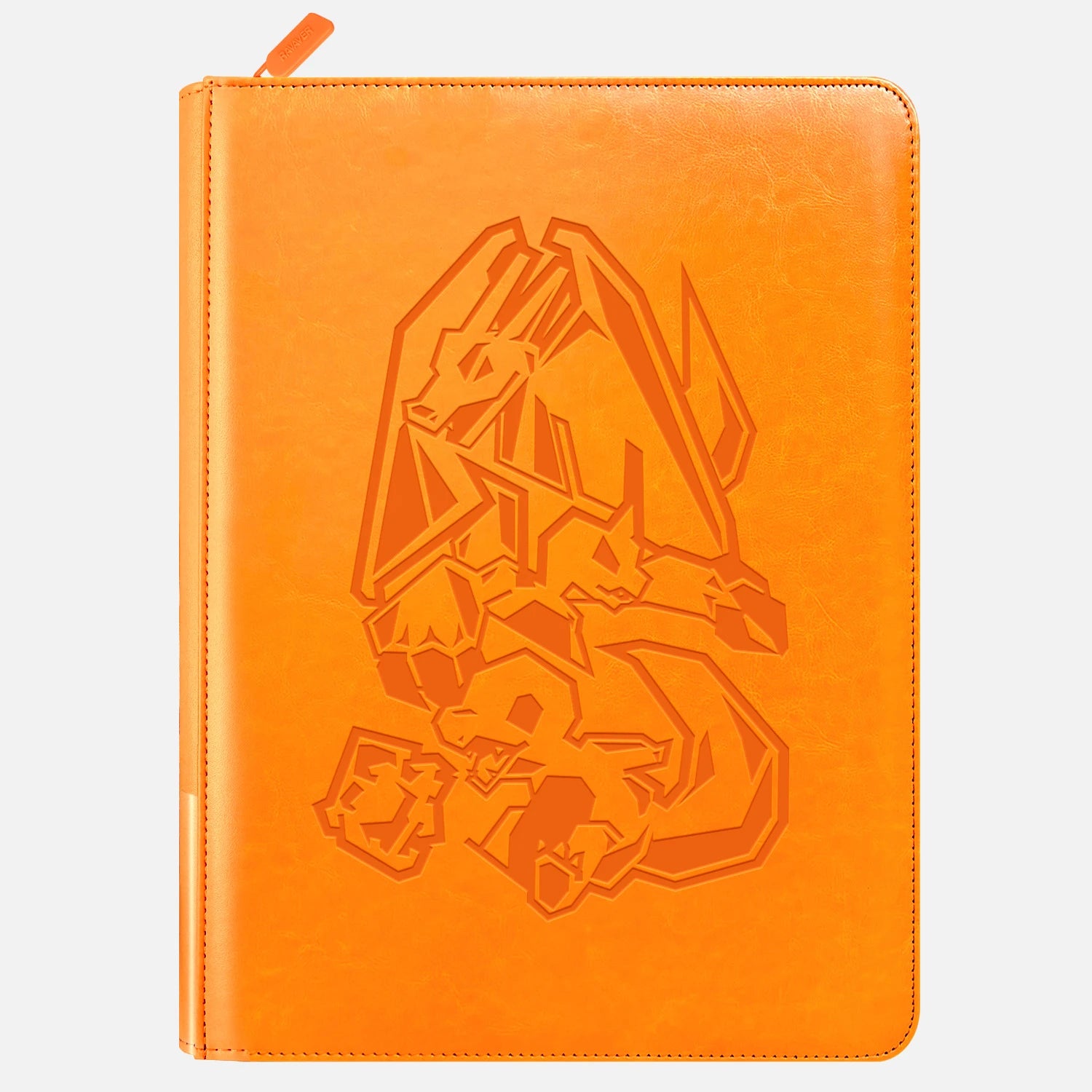
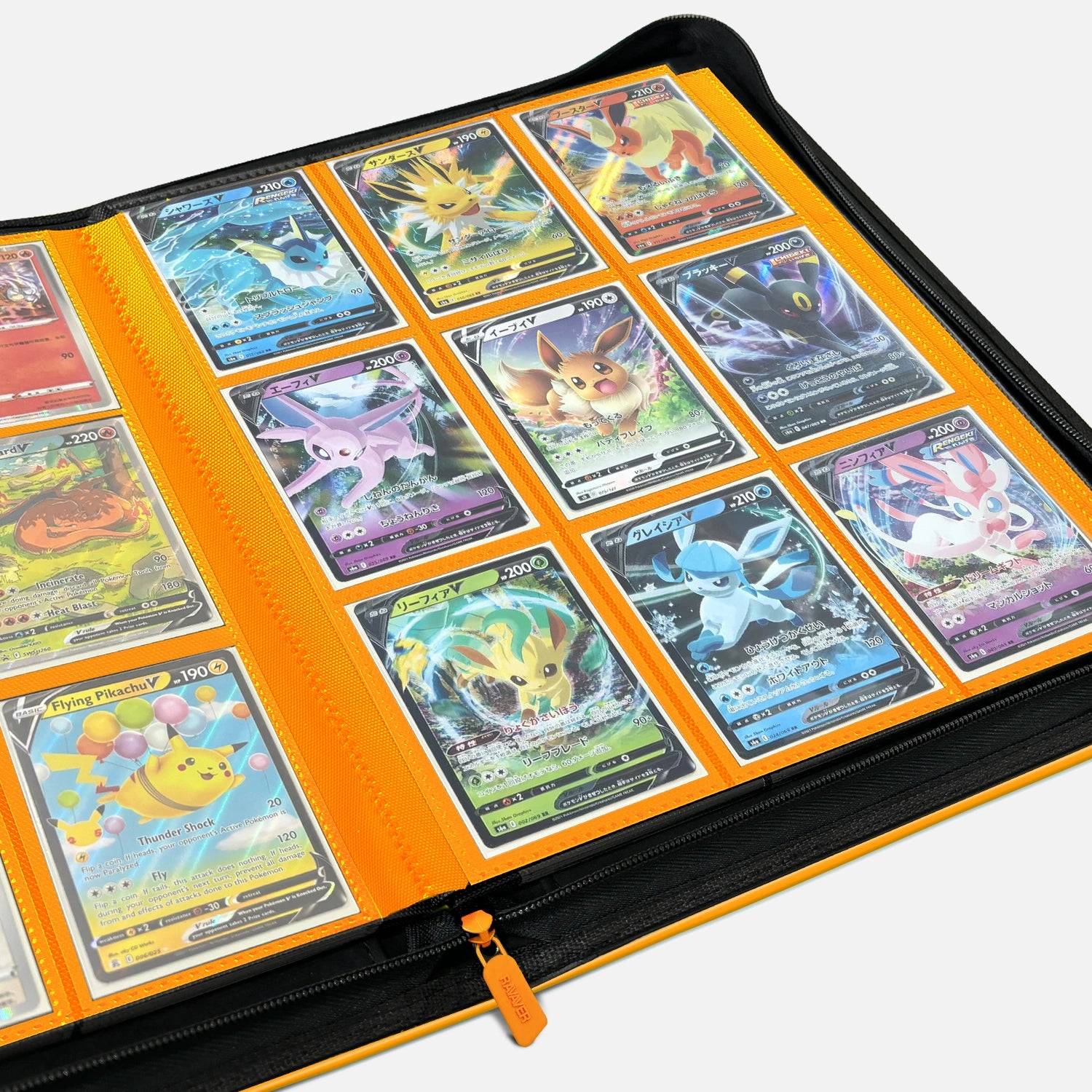
If you haven't picked your binder yet, look for one with toploader-compatible pages and archival materials. Ravaver's premium card binders are built specifically for collectors who want their master set to look the same in 2031 as it does the day it ships.
Frequently Asked Questions
How long does TCGplayer Mass Entry take for a master set?
For a 180-200 card master set list, expect 20-40 minutes total: 10-15 minutes formatting the list in a text editor, 5 minutes pasting and parsing in Mass Entry, 5-15 minutes verifying sellers and re-optimizing the cart. Subsequent orders for the same set take 5-10 minutes because the workflow is dialed in.
Does TCGplayer charge a fee for using Mass Entry?
No. Mass Entry is a free buyer tool. The fees you see in your cart are seller fees that get passed into the card prices, plus shipping. TCGplayer's standard marketplace commission is 10.25% (charged to sellers), with no additional buyer-side platform fee.
Can I save my Mass Entry list for later?
Yes. Save your master-set checklist as a plain text file (.txt) on your computer or in a cloud note. You can paste it back into Mass Entry anytime to check live pricing, find newly available cards, or build a follow-up cart for the cards you didn't fulfill in the first round.
What if Mass Entry can't find some of my cards?
Unfound cards usually mean a spelling mismatch (e.g., "Iono" vs. "Iono Bellibolt"), an incorrect set code, or the card hasn't been listed by any seller (rare for current sets). Double-check the card name and set code against the TCGplayer set page. For unlisted cards, set a TCGplayer price alert and check eBay sold listings as a backup channel.
Should I use Mass Entry for high-value chase cards?
No. For cards above $200, buy individually from a verified seller (99%+ feedback, 1,000+ reviews, Direct status preferred). The cart optimizer is built for volume, not for the seller-vetting that high-value cards require. Use Mass Entry for the 180 lower-value cards, and hand-pick the 5-10 high-value chase cards separately.
What to do this week
Open your target set's checklist tonight. Build the want-list text file. Tomorrow morning, paste it into Mass Entry, run the optimizer, verify the sellers, and place the order. If you're already 30 cards into a master set built one-at-a-time, stop now, audit what you have left, and run the remainder through Mass Entry. The $60-$100 you save on shipping covers the binder.
Read the full sourcing channel breakdown for the bigger picture of when TCGplayer is the right call vs. eBay vs. local card shops.
Sources:
- TCGplayer, "TCGplayer Fees", retrieved 2026-05-27, https://help.tcgplayer.com/hc/en-us/articles/201357836-TCGplayer-Fees
- TCGplayer, "TCGplayer Market Price", retrieved 2026-05-27, https://help.tcgplayer.com/hc/en-us/articles/213588017
- TCGplayer, "Start Selling Resources", retrieved 2026-05-27, https://help.tcgplayer.com/hc/en-us/categories/115000529487